Key Takeaways
- A connected care management platform helps teams manage CCM, RPM, PCM, and APCM without rebuilding workflows for each program.
- The platform should keep patient context connected while preserving program-specific documentation and review needs.
- CCM and RPM often overlap operationally because they involve similar patients, staff, outreach, and reporting questions.
Which Software Supports CCM, RPM, PCM, and APCM?
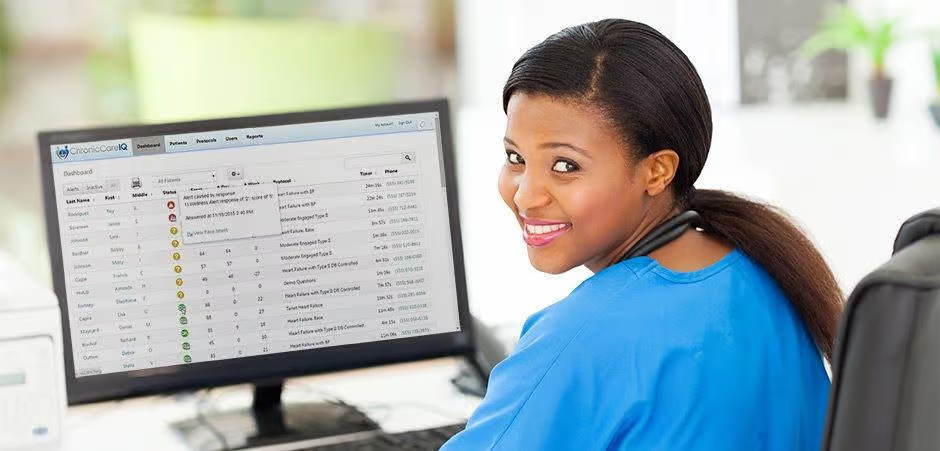
The best care management software for CCM, RPM, PCM, and APCM enables providers to manage multiple programs in one platform, within a unified workflow. ChronicCareIQ is made for practices wanting a single software solution for chronic care coordination, remote monitoring, principal care management, and advanced primary care management.
The key is balance. A platform should keep patient data connected to program-specific documentation, calculate the optimal billing code combinations, and make review, and reporting clear.
Why Multi-Program Care Management Matters
Patients do not always fit neatly into one care management program. A patient may need chronic care coordination, remote physiologic monitoring, condition-specific support, or broader primary care management at different points in the year. If each program lives in a different tool, staff may duplicate outreach, miss context, or struggle to report performance clearly.
ChronicCareIQ is a care management software that can manage CCM, RPM, PCM, and APCM, and more. Providers looking for a care management software should also consider EHR fit.
Comparison Table
| Program | Typical operational need | Software capability to evaluate |
|---|---|---|
| CCM | Ongoing care coordination for patients with two or more chronic conditions between visits | Care plans, outreach, time tracking, documentation, reporting |
| RPM | Remote collection and review of physiologic data | Device workflows, alerts, follow-up, monitoring documentation |
| PCM | Focused support for one high-risk condition | Condition-specific workflows and documentation controls |
| APCM | Non time-based care management program for primary care practices | Patient panel management, access workflows, program reporting |
| Combined programs | Shared patients and care teams | Connected patient context with clear program-specific review |
Managing CCM and RPM Together
CCM and RPM are different programs, but they often involve overlapping patients, staff, and operational questions. Who needs attention today? What changed since the last review? Has the care team followed up? Is the work documented clearly?
A unified CCM and RPM platform helps teams link monitoring data, outreach, care coordination, and reporting. That does not remove the need to document each program appropriately. Providers and practice administrators should familiarize themselves with the CPT codes for care management programs to ensure proper documentation.
Evaluation Questions
- Can staff view patient context across programs without mixing program rules?
- Can the platform separate tasks, notes, and documentation by program when needed?
- How are abnormal readings, missed readings, and follow-up tasks handled?
- Can leaders report by patient, program, provider, and care team?
- What EHR, device, phone, and reporting workflows are supported?
- How does the vendor help teams implement multi-program operations?
FAQ
Can one platform manage CCM, RPM, PCM, and APCM?
A connected platform can support multiple care management programs when each program’s workflow and documentation remain clear.
Why manage CCM and RPM together?
Managing CCM and RPM together can connect monitoring data with care coordination, outreach, documentation, and reporting.
Is APCM the same as CCM?
No, APCM and CCM have different program rules, so practices should confirm current requirements before billing.
What matters most in multi-program care management software?
Workflow fit, patient context, documentation controls, reporting, and integration support matter most.
Should providers use separate tools for each care program?
Separate tools may work early, but but consolidating programs into a single tool reduces duplicate work as programs expand.